
7 Best techniques for full-color digital prints: Comprehensive guide

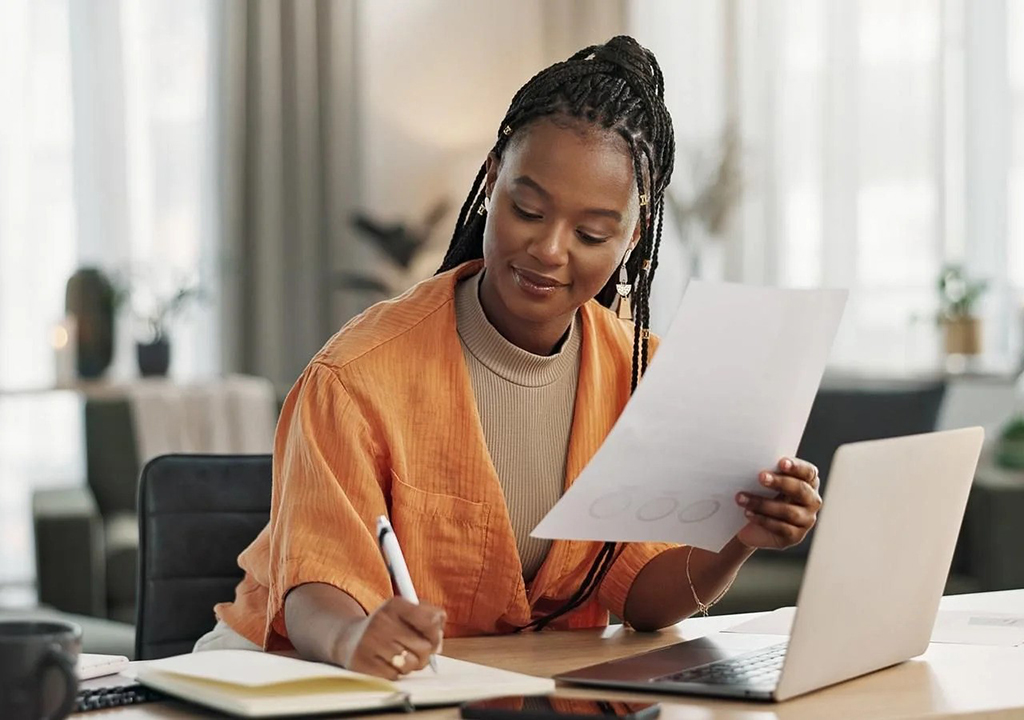
Do you want your prints to have the best color, crisp detail, and glossy appearance? This guide compares processes like giclée, DTF, and sublimation side by side to see which works best for full-color digital prints.
Additionally, we will offer helpful advice for preparing your print files so that the finished product fully achieves your vision.
Best practices for instant full-color digital printing
Printing techniques | Cost level | But it works best. | Print feeling | Sustainability | Best for |
Giclée printing | $$$ | Fine art paper, canvas | Matte, soft, museum-grade | High | Fine art prints and photo reproductions |
DTG (Direct to Garment) | $$ | 100% cotton fabric | Smooth, breathable | Moderate to high | Custom apparel and small batches |
DTF (Direct to Film) | $$ | Cotton, polyester, blend | Slightly textured, flexible | High | Versatile apparel and accessories |
Dye sublimation (AOP) | $$$ | Polyester fabrics, coated surfaces. | Soft, smooth | Very high | All-over prints, mugs, tote bags, and banners |
UV printing | $$$ | Hard surfaces (wood, metal, glass, acrylic) | Shiny, embossed texture | Very high | Signs, decorations, mugs, and hard materials |
Heat transfer printing | $ | Cotton, blend, hard goods | Shiny, smooth | Moderate | Custom apparel, tote bags, and small merchandise |
Laser printing | $ | Cotton blends, paper, synthetics | Strong, slightly shiny | Moderate | Detailed spot color designs and small runs |
Seven full-color printing methods: an explanation
Giclée printing
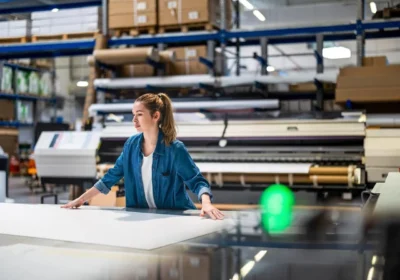
Giclée Printing. For artists who want their digital artwork to have gallery-caliber quality, Giclée printing is the preferred option. This printing technique uses inkjet printers equipped with CMYK inks and ultra-fine nozzles to spray pigment-based ink onto paper or canvas, creating high-quality prints with amazing depth and detail.
Ideal for: Limited edition collections, photo prints, and high-end art reproductions on fine paper or canvas.
Print: Vibrant, smooth, and matte, capturing every texture and brushstroke without sacrificing quality
Advantages:
- Unparalleled depth and color accuracy
- Perfect for printing digital photos or artwork
- Durable pigments do not fade.
Disadvantages:
- More expensive than typical digital printers.
- Not suitable for mass manufacturing.
Consider this the evolution of digital printing, designed for fine art prints that require a wide tonal range and precise color matching across the entire color spectrum.
Direct-to-garment (DTG) printing
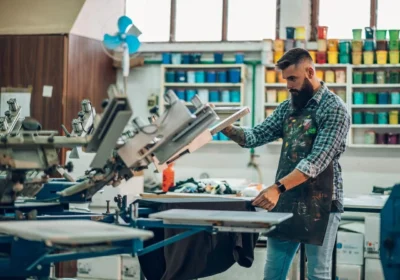
DTG printing combines artistry and technology to create vibrant, durable prints. Using specialist inkjet printers, this digital printing method sprays CMYK ink directly onto fabric before heat curing for durability. The result? Vivid, intricate printed images that flow naturally with the fabric and are comfortable to the touch.
Ideal for: Custom or small batch orders of cotton sweatshirts, hoodies, and t-shirts.
Print: Natural feeling, airy, and free from thick layers or plastic texture.
Advantages:
- Vibrant, full-color designs
- Best for intricate prints and digital art
- Economical for short runs
Disadvantages:
- Not suitable for black or synthetic textiles.
- For mass production, slower than screen printing
Direct to Film (DTF) Printing
By printing images onto a unique film, coating it with an adhesive powder, and then heating it into the fabric, DTF printing completely changes the printing process. This technique uses CMYK printing and advanced color stacking to create stunning, versatile, and long-lasting designs without sacrificing quality. For clothing companies experimenting with textures and finishes, it is one of the most adaptable printing processes.
Best for: Business owners print small or medium-sized runs of cotton, polyester, blends, and even nylon textiles.
Print: Bold, opaque color printing that stands out on a somewhat rough surface.
Advantages:
- It can be applied to almost any type of fabric.
- Extremely strong and resistant to stretching
- Maintains color brightness even after multiple washes.
Disadvantages:
- It feels a little more like DTG printing.
- Film and adhesives need to be handled.
Introducing DTFlex High-End Approach to DTF Printing
Are you looking for a finish that feels as stunning as it appears, with crisp details and sharp colors? Introducing DTFlex, a proprietary next-generation DTF printing improvement.
This technique, which has been refined over a decade, produces stunning, long-lasting graphics on everything from cotton T-shirts to nylon jackets, including personalized headwear.
DTFlex provides a true retail quality edge by making your designs accurate, adaptable, and durable.
AOP, or dye sublimation printing
Using heat and transfer paper, dye sublimation converts solid dye into a gas, which is then embedded deep into polyester fibers. This type of digital printing produces perfect, edge-to-edge patterns, making it perfect for full-color printing and promotional items.
Vibrant, smooth prints that won’t fade, peel, or crack, even after many washes or wears, are the ultimate products.
Ideal for: Home decor, mugs, tote bags, and polyester fabrics with all-over graphics.
Print: Lightweight, smoo,th and soft; it blends flawlessly into the fabric weave to produce the best results.
Advantages:
- Ideal for printing large, full-color designs.
- Produces clear colors without any texture.
- Durable and fade-resistant
Disadvantages:
- Only light-colored polyester is compatible.
- Not suitable for textiles made of cotton.
UV printing
Wood, acrylic, glass, metal, plastic, and other hard or semi-hard surfaces can be cured directly using specially designed inks using ultraviolet radiation in UV printing.
It produces a raised, textured finish with strong elasticity because the ink sits on top of the surface rather than being absorbed into it, but it is not suitable for fabric printing because it is not flexible or stretchable.
Ideal for: Decorative artwork, signage, hard surfaces, and promotional items such as banners.
Print: A tactile finish that enhances visual appeal, shiny, detailed, and long-lasting.
Advantages:
- Uses a variety of materials.
- Produces vivid colors and precise details.
- Prints that are instant dry and scratch resistant.
Disadvantages:
- More expensive setup for short runs
- Limited elasticity of fabrics
Printing using heat transfer
Heat transfer printing applies digital artwork to textiles or other hard surfaces using transfer paper, heat, and pressure. This printing method uses dye sublimation or digital printing to create high-resolution images that are then transferred using a heat press.
Bright, long-lasting color printing is the final product, perfect for short runs or unique designs with precise color details.
Ideal for: Tote bags, small quantities of promotional items, and cotton and mixed materials.
Print: Smooth and bright with vibrant tones across the color spectrum, depending on the file format and color mode used during file creation.
Advantages:
- Applicable for rigid products, clothing,g and accessories
- Produces crisp printed images with high print color fidelity.
- Best for new and small print stores
Disadvantages:
- Over time, it may fade or break.
- Fabric surfaces have limited breathability.
Printing using a laser
Laser printing uses toner-based technology instead of ink to combine digital precision with the concept of traditional heat transfer. After CMYK is printed on transfer paper, the design is heat-pressed onto the finished surface. For logos, spot color graphics, or short runs, this printing technique provides excellent edge definition, accurate color reproduction, and fast color printing.
Ideal for: Promotional items, short-run clothing lines for regional printers, and intricate design elements on cotton blends.
Print: Vibrant tones that are perfectly matched on the color spectrum, a hard surface, and a hint of shine.
Advantages:
- Quick and inexpensive setup for low-volume applications • Excellent for digital artwork and fine lines
- Sharp details and excellent color consistency
Disadvantages:
- Not suitable for stretchable materials.
- Less robust than offset printing or dye sublimation
Preparing your digital files for full-color printing
Your artwork should look as beautiful on paper as it does on television. From color settings and file preparation to test prints that prevent costly re-do’s, this section covers the behind-the-scenes setup that makes all the difference.
To ensure proper color reproduction, calibrate your display.
Make sure your screen is telling the truth before you start printing. The most common cause of screen-to-print color shift—that time when your “perfect teal” turns swampy green—is a poorly calibrated monitor.
Next, start with the default color profile on your monitor:
- For professional tuning, use calibration software or devices like DisplayCAL or X-Rite i1Display.
- Your screen should not be as bright as a lightbox. Set the brightness between 80 and 120 cd/m².
- Adjust the contrast until you are able to see minute variations between the highlight and shadow regions.
- Steer clear of yellow desk lamps, which spoil the impression, and work in natural or neutral lighting.
- To replicate printed output, enable soft proofing in the design software.
For consistent color management and consistent, accurate color matching, check calibration every month. It’s a simple process that distinguishes new artists from seasoned professionals and ensures that your finished prints have the desired appearance.
For print quality, select the appropriate color mode between CMYK and RGB.
Your printer breathes in CMYK, while your screen burns in RGB. The backlit vibrancy of your monitor is achieved by mixing light in the RGB color mode (red, green, and blue). However, printers use process color blending to layer CMYK printing—cyan, magenta, yellow, and black—to create tones.
So, convert to CMYK and inspect your design before exporting your digital artwork. This avoids weird desaturation or neon colors during printing. CMYK is a must if you are using offset printing because this is how the printing plate actually applies the ink.
Expert advice: To maintain accuracy, mark and distribute color elements (such as brand logos) anywhere in your artwork. The screen uses RGB. The final product is in CMYK.
RGB vs. CMY K: A Guide to Colorful Spaces is a worthwhile read.
Set crop marks and resolution correctly.
If you ignore the basics, a clean design can still look messy. Resolution preserves the sharpness of every pixel, cropping marks direct editing, and bleed avoids unsightly white margins.
Take these steps:
- To extend graphics past carved lines, add a ⅛-inch blade around your artwork.
- Your local printwouldill like it if you add crop marks to your exported file.
- For print clarity, maintain a resolution of at least 300 DPI.
- To prevent confusing design elements, always export at print size rather than a smaller size.
These procedures help to accurately align the printing plate for offset printing. Consider them a safety net for your print. If you ignore them, your artwork can literally lose its edge.
To ensure flawless printing, format your file.
Your printer follows instructions instead of guessing. Clear instructions are maintained by selecting the appropriate file type and preparing your artwork correctly.
- For photos and complex digital artwork, choose PNG or JPEG.
- For vector graphics, logos, and scalable designs, choose SVG or PDF.
- To avoid mystery font disaster, always outline text or embedded fonts in Canva, Photoshop, or Illustrator before exporting.
- Verify process color settings and save in CMYK files instead of RGB.
Preparing a clean file reduces surprises and improves color fidelity for print-on-demand. It’s the finishing touch that elevates mediocre prints to professional quality.
Before thatLarge print runs, run a test print.
This is a step that every experienced professional commits to. Unusual color changes, peculiarities in the paper texture, or file preparation issues that you wouldn’t notice on screen can all be found in a single test print.
Here’s how to do a smart test:
- Use the appropriate paper for your project to print a small sample.
- Verify the consistency of the color management: is the red still prominent, or is it leaning more like orange?
- Check the overall tone, sharpness, and white edges of the final product.
Edit your design, change color settings, and reprint as needed. It’s an inexpensive procedure that ensures the best results and literally keeps your reputation clean.
Conclusion
Choosing the appropriate printing method, expertly preparing your files, and understanding how colors behave from screen to substrate are all essential to mastering the best full-color digital printing methods.
We make it easy. Our technology brings your digital art to life, from DTG printing for soft, detailed garments to color matching for smooth all-over designs and our unique DTFlex printing for next-level precision.
Are you ready to make your next project a reality? Use it to create, upload, and print now.