

Print Design: Optimal Techniques for Magnificent Outcomes

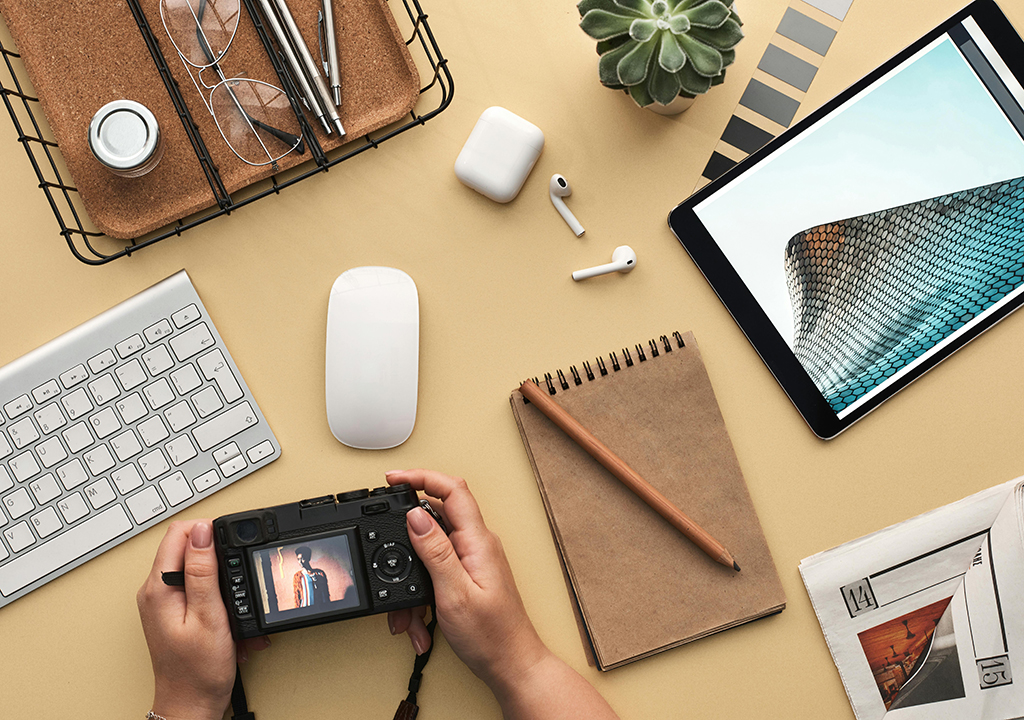
In the digital age, where screens rule our lives, print design is still a powerful communication tool. Business cards, brochures, posters, and magazines are examples of print items that truly connect with their audience. But unlike digital design, print design has its own set of challenges and factors to take into account. To create beautiful print outcomes, designers need to be proficient in a combination of technical know-how, creativity, and attention to detail. To make your work stand out and successfully convey its intended message, we will examine the best methods for creating engaging print materials in this article.
Printing Fundamentals
Before getting into design details, it is crucial to comprehend the basic differences between print and digital media. Print design requires careful consideration of resolution, color modes, font, and layout to guarantee that the finished result is both aesthetically pleasing and useful.
Resolution
Resolution has a major role in print design. Print materials require a greater resolution of 300 DPI (dots per inch) for sharp, clear images, in contrast to digital displays, which usually require 72 PPI (pixels per inch). When printed, low-resolution photos can look pixelated or fuzzy, which lowers the design’s overall quality. Always utilize high-resolution graphics and pictures to preserve clarity and detail.
Modes of Color
Another area where print and digital media differ is in color reproduction. Digital screens employ the RGB (red, green, blue) color mode, while print materials use the CMYK (cyan, magenta, yellow, black) color mode. You can be certain that the colors you see on your screen will closely match the colors you print when you create in CMYK. You may wish to consider using Pantone colors for spot color printing if you want accurate and consistent color reproduction.
Composition and Layout
Grid Systems
Print design relies heavily on the use of a grid system. Grids provide a framework for organizing content, ensuring alignment and consistency throughout the design. They make the design more cohesive and easier to use by maintaining balance and hierarchy. Whether you’re designing a single-page flyer or a multi-page magazine, grids are invaluable tools for structuring content.
Blank Space
The space that surrounds elements in a design is known as white space or negative space. It’s an important part that keeps a design from feeling cluttered and overwhelming. Adequate white space improves readability, emphasizes key elements, and enhances the overall aesthetic appeal. Instead of trying to fill every inch of the page, use the white space strategically to create a design that is crisp and sophisticated.
Hierarchy
The reader is guided through the content by a visual hierarchy that emphasizes the most significant aspects first. Text and graphics can be arranged in a variety of ways to create a distinct hierarchy. The font and size of the body text, subheadings, and headlines ought to be distinct from one another. To emphasize important information and draw attention to it, use fonts and colors that contrast.
Typography
In print design, typography has a significant impact on both readability and aesthetics. Using the right fonts and using them well can make your design stand out and ensure that your message is understood.
Selection of Fonts
Choose fonts that complement your design’s tone and purpose. In printed materials like books and newspapers, the body text is frequently written in serif fonts because of their traditional and formal appearance. Sans-serif fonts, with their modern, clean appearance, are ideal for headlines and contemporary designs. In most cases, two or three fonts that complement one another are sufficient for a design.
Readability
Readability is paramount in print design. Ensure that your text is legible by considering factors such as font size, line spacing, and contrast. Body text should be at least 10-12 points, while headlines should be significantly larger to create a clear distinction. Maintain adequate line spacing (leading) to avoid a cramped look and ensure comfortable reading. Readability is improved when there is a high contrast between the colors of the text and the background, particularly when the text is longer.
Kerning and Monitoring
For fine-tuning typography, kerning (changing the spacing between individual characters) and tracking (changing the spacing between a group of characters) are essential. Proper kerning ensures that letters fit together harmoniously, preventing awkward gaps or overlaps. Tracking affects the overall density of the text, influencing readability and aesthetic balance. Pay attention to these details to achieve polished, professional typography.
How to Choose the Right Paper
Your print design’s appearance and feel can be significantly affected by the paper you choose. Paper is available in a variety of weights, textures, and finishes, each of which is appropriate for a different kind of project.
Weight of Paper
Paper weight is measured in GSM (grams per square meter). Heavier paper (e.g., 200-300 GSM) is more durable and often used for business cards, postcards, and covers. Lighter paper (e.g., 80-120 GSM) is suitable for flyers, brochures, and internal pages of books or magazines. Consider the purpose and desired durability of your print material when selecting paper weight.
Texture and Finish
The texture and finish of the paper contribute to the tactile experience of print materials. For high-impact visuals, smooth, glossy finishes are ideal because they enhance colors and produce a polished appearance. Matte finishes offer a softer, more sophisticated appearance, reducing glare and improving readability. Papers with textures, like linen or laid finishes, give the design a unique tactile element that makes it feel more luxurious and memorable. Select a paper texture and finish that enhances the sensory experience and complements your design.
Specifications for the Print and Bleeds
In order to ensure that your design prints correctly and professionally, it is essential to comprehend print specifications and incorporate bleeds.
Print Specifications
Learn about your printer’s specific needs, such as file formats, resolution, color profiles, and margins, by working closely with them. Providing your printer with accurate print-ready files minimizes the risk of errors and ensures the final product meets your expectations.
Bleeds
Bleeds are essential for designs that extend to the edge of the paper. Beyond the trim edge, a bleed area of between 0.125 and 0.25 inches prevents unwanted white borders by allowing for slight variations during the cutting process. Design your artwork to include this bleed area, ensuring that backgrounds and images extend beyond the trim line. This practice guarantees a clean, professional edge on the final printed piece.
Prepress and Proofing
Before sending your design to print, thorough prepress checks and proofing are essential to catch any potential issues.
Prepress Checks
Conduct a comprehensive prepress check to ensure your design is print-ready. Verify that all images are high resolution (300 DPI), colors are in the correct CMYK mode, and fonts are embedded or outlined. Check for any spelling or grammatical errors and confirm that all elements are correctly aligned and within the designated margins.
Proofing
Proofing allows you to review a sample of the printed material before the final print run. While digital proofs can give you a general idea of how the design will look, physical proofs are more accurate. Examine the proof carefully for color accuracy, image quality, and overall layout. Make any necessary adjustments and approve the proof before proceeding with the full print run.
Implementing Special Methods
Special printing techniques can add an extra layer of sophistication and visual interest to your print materials.
UV Coating for Spots Spot
UV coating involves covering specific parts of the design with a glossy, transparent coating that stands out against the matte background. This technique is often used to highlight logos, text, or images, adding a tactile dimension and visual appeal.
Embossing and Debossing
Embossing and debossing create raised or recessed designs on the paper surface, adding texture and depth. When it comes to bringing out text, patterns, or logos, these methods are ideal for making the design more engaging and memorable.
Stamping in Foil
A thin layer of metallic foil is applied to the paper during foil stamping, giving it a shiny, reflective finish. Gold, silver, and other metallic foils can add a touch of luxury and elegance to invitations, business cards, and other high-end print materials.
When designing for print, creativity and technical knowledge must be carefully balanced. By understanding the unique aspects of print design, from resolution and color modes to typography and special techniques, you can create stunning print materials that captivate your audience. Paying attention to detail at every stage of the design process, from initial layout to final proofing, ensures that your print projects are not only visually appealing but also professionally executed. Take advantage of print design’s ability to effectively and visually convey your message and embrace its enduring impact. For those looking to further refine their print design skills, ARC offers a comprehensive print guide available for download. This handy guide covers everything from the basics of print design to advanced techniques, providing valuable insights and tips to help you achieve stunning results in your print projects. Whether you’re a seasoned designer or just starting, ARC’s print guide is an invaluable resource to elevate your design game. Start creating print materials that truly stand out by downloading them right away. by downloading it right away.