
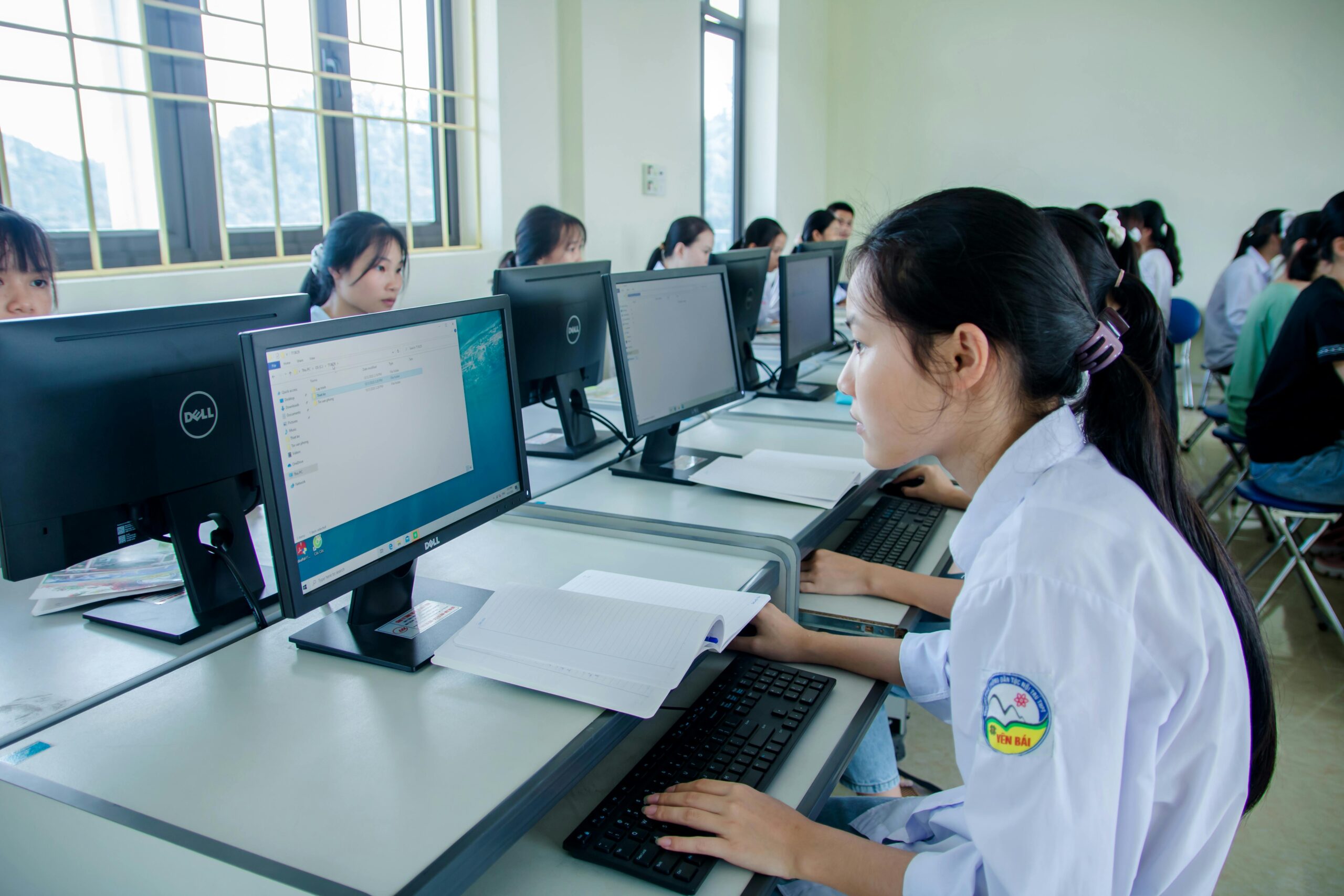
Introduction
In the modern education system, computer skills have become just as important as reading and writing. Students today are growing up in a digital world where technology plays a major role in learning, communication, and future careers. Whether it’s completing assignments, attending online classes, or researching information, computers have become an essential part of academic life.
Computer skills are no longer limited to specialized fields like IT or engineering. Every student, regardless of their subject or career goals, needs to understand how to use digital tools effectively. From basic typing to advanced research skills, computer literacy helps students perform better in school and prepares them for real-world challenges.
This article explores the importance of computer skills for students, the key abilities they should develop, and practical ways to improve these skills for long-term success.
What Are Computer Skills for Students?
Computer skills refer to the ability to use computers and digital tools efficiently for academic and personal tasks. These skills range from basic operations to more advanced abilities that support learning and productivity.
Types of Computer Skills Students Should Learn
- Basic Computer Operation
Understanding how to turn on a computer, use a keyboard and mouse, and manage files and folders is the foundation of digital learning. - Word Processing Skills
Students need to create assignments, reports, and notes using document editing tools. This includes formatting text, inserting images, and organizing content. - Internet Research Skills
Knowing how to search for accurate and reliable information online is essential for completing assignments and projects. - Presentation Skills
Students often need to present their ideas using slides. Learning how to design and deliver presentations improves communication skills. - Email and Communication Tools
Sending emails, joining online classes, and collaborating with classmates are important aspects of modern education. - Basic Troubleshooting
Identifying and fixing simple computer issues helps students work independently without delays.
Why Computer Skills Are Important for Students
Enhancing Learning Experience
Computer skills make learning more interactive and engaging. Students can watch educational videos, participate in virtual classes, and access digital resources that make complex topics easier to understand.
Improving Academic Performance
Students who are comfortable using computers can complete assignments faster and more accurately. They can organize their work, edit documents easily, and access a wide range of learning materials.
Preparing for Future Careers
Most careers today require basic computer knowledge. By learning these skills early, students gain a competitive advantage and are better prepared for future job opportunities.
Encouraging Independent Learning
Computer skills allow students to explore topics beyond the classroom. They can learn new skills, take online courses, and develop hobbies independently.
Building Communication Skills
Digital communication tools help students connect with teachers and peers. They can share ideas, collaborate on projects, and participate in discussions more effectively.
Essential Computer Skills Every Student Should Master
Typing and Keyboard Skills
Fast and accurate typing improves productivity. Students can complete assignments quickly and focus more on content rather than typing speed.
File Management
Organizing files and folders helps students keep track of their work and avoid losing important documents.
Online Research Techniques
Students should learn how to search effectively, evaluate sources, and avoid misinformation. This skill is crucial for academic success.
Basic Software Knowledge
Understanding how to use common software tools helps students create documents, spreadsheets, and presentations efficiently.
Cybersecurity Awareness
Students must learn how to protect their personal information online. This includes using strong passwords and avoiding unsafe websites.
Step-by-Step Guide to Improving Computer Skills
Step 1: Learn the Basics
Start with basic computer operations such as using the keyboard, mouse, and simple applications. Practice regularly to build confidence.
Step 2: Practice Typing
Use typing exercises to improve speed and accuracy. Consistent practice can make a significant difference over time.
Step 3: Explore Educational Software
Learn how to use tools for writing, presentations, and data management. Practice creating assignments and projects digitally.
Step 4: Improve Internet Skills
Learn how to search for information, use email, and participate in online learning platforms.
Step 5: Take Online Courses
Enroll in beginner-friendly courses that teach computer skills step by step. These courses can provide structured learning.
Step 6: Apply Skills in Daily Tasks
Use your computer skills for homework, projects, and personal tasks. Practical use helps reinforce learning.
Step 7: Stay Updated with Technology
Keep learning new tools and software to stay ahead in a rapidly changing digital world.
Tips and Best Practices
- Practice Consistently
Regular practice helps students become more comfortable and efficient with computers. Even a short daily session can improve skills significantly. - Focus on Real-Life Applications
Use computer skills for practical tasks like creating assignments, managing schedules, or researching topics. This makes learning more meaningful. - Stay Organized
Keep files and folders properly arranged. This saves time and reduces stress when working on multiple projects. - Be Curious and Explore
Try new tools and features to expand your knowledge. Curiosity leads to better understanding and skill development. - Prioritize Online Safety
Always be careful when sharing personal information online and avoid suspicious links or downloads.
Common Mistakes to Avoid
- Ignoring Basic Skills
Many students try to learn advanced tools without mastering the basics, which can lead to confusion. - Overdependence on Others
Relying too much on teachers or friends for help can slow down learning. Practice solving problems independently. - Poor File Management
Not organizing files properly can result in lost work and unnecessary stress. - Lack of Practice
Without regular use, computer skills can quickly fade. Consistency is key to improvement. - Neglecting Cybersecurity
Ignoring online safety can lead to data loss or security risks. Students must take precautions seriously.
Benefits of Computer Skills for Students
Better Academic Performance
Students with strong computer skills can complete tasks more efficiently, resulting in better grades and improved performance.
Increased Confidence
Knowing how to use digital tools gives students confidence in handling academic and personal tasks independently.
Access to Global Knowledge
Computer skills allow students to explore information from around the world, broadening their understanding and perspective.
Career Readiness
Early exposure to technology prepares students for future jobs where digital skills are essential.
Improved Creativity
Using digital tools helps students express their ideas through presentations, videos, and creative projects.
FAQs
1. Why are computer skills important for students?
Computer skills help students complete academic tasks efficiently, access information, and prepare for future careers.
2. What basic computer skills should students learn first?
Students should start with typing, file management, internet browsing, and basic software usage.
3. Can students learn computer skills at home?
Yes, students can learn computer skills through practice, tutorials, and online courses at home.
4. How do computer skills improve academic performance?
They allow students to work faster, organize their tasks, and access a wide range of learning resources.
5. Are computer skills necessary for all careers?
Yes, most careers require at least basic computer knowledge, making these skills essential for everyone.
Conclusion
Computer skills have become a vital part of a student’s academic journey and future success. They not only enhance learning but also prepare students for the challenges of a technology-driven world. From improving productivity to opening new opportunities, these skills play a crucial role in personal and professional growth.
Students who invest time in developing computer skills today will benefit greatly in the future. Start with the basics, practice regularly, and continue learning new tools. By doing so, you can build a strong foundation that will support your education and career for years to come.
No responses yet