
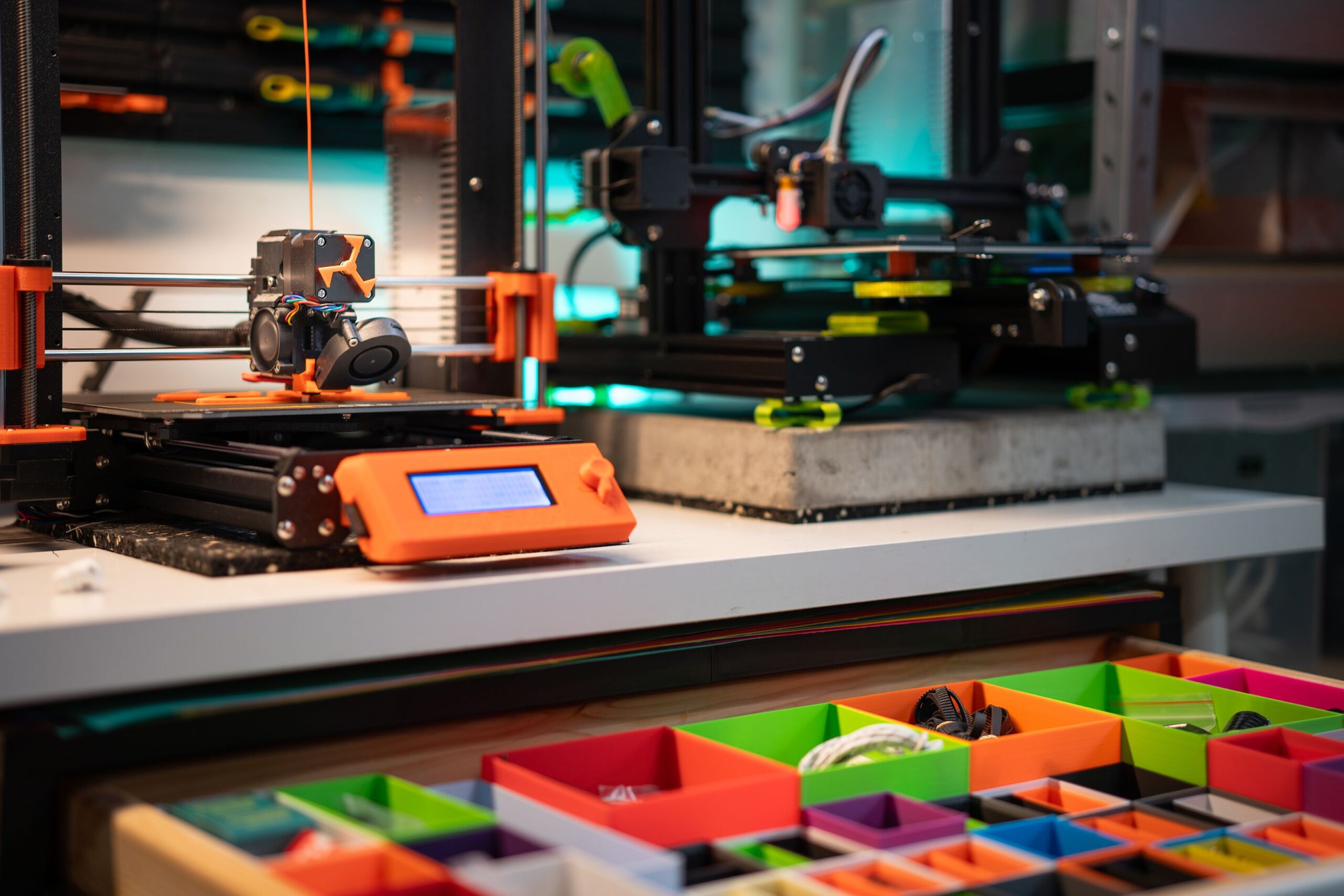
Creality K2 Combo Review: The Next Generation of High-Speed Multicolor 3D Printing
The Creality K2 Combo isn’t just another incremental upgrade. It’s a genuinely meaningful leap forward for both consumer and professional desktop 3D printing. You get CoreXY mechanics, automatic material management, intelligent calibration, and real multicolor printing all in one package. It’s built for makers, engineers, educators, designers, and small manufacturing teams who can’t afford to trade reliability for print quality.
This review covers everything. Hardware design, multicolor technology, print performance, material compatibility, the software ecosystem, maintenance, and whether the whole thing is actually worth your money.
What Is the Creality K2 Combo?
At its core, the K2 Combo is an enclosed CoreXY FDM printer built around precision, speed, and hands-off multicolor production. Traditional desktop printers make you swap filament manually. This one doesn’t. The Combo package ships with an intelligent filament management system that handles material and color switching mid-print, without you touching anything.
And the enclosed chamber? That’s not just for aesthetics. It provides the thermal stability you need when printing engineering-grade materials.
Key Specifications
| Feature | Specification |
|---|---|
| Printing Technology | FDM (Fused Deposition Modeling) |
| Motion System | CoreXY |
| Multi-color Printing | Automatic |
| Automatic Calibration | Yes |
| Enclosed Chamber | Yes |
| High-Speed Printing | Yes |
| Touchscreen Interface | Yes |
| Remote Monitoring | Supported |
| Material Detection | Automatic |
| AI-Assisted Monitoring | Available |
Elegant Industrial Design
The K2 Combo looks serious. Right out of the box, the premium industrial build is obvious.
That fully enclosed frame does a lot of heavy lifting:
- Better heat retention
- Reduced print warping
- Lower operating noise
- Improved safety
- Protection from dust
- Stable printing environment
The rigid aluminum frame kills vibration during fast movements. The result? Cleaner surfaces, even when the printer’s pushing speed.
CoreXY Motion System Explained
Cartesian printers move the bed. CoreXY doesn’t. The print head moves instead, while the motors stay stationary. It sounds like a small thing. It isn’t.
The practical benefits are real:
- Faster acceleration
- Reduced ringing
- Higher positional accuracy
- Better dimensional precision
- Lower mechanical wear
Honestly, this architecture is why the K2 Combo can hit extreme travel speeds without the print quality falling apart.
Automatic Multicolor Printing
This is the headline feature. And it earns that title.
Instead of babysitting your printer through manual filament swaps, the automatic filament management unit handles switching on its own. Seamlessly. The range of what you can actually print expands dramatically:
- Colorful miniatures
- Educational models
- Product prototypes
- Company logos
- Decorative artwork
- Functional mechanical assemblies
- Engineering visualization
Operator intervention drops significantly. That’s not a small deal for anyone running longer production workflows.
Intelligent Filament Management
The integrated filament management system watches every spool continuously. Not just when something goes wrong.
What it handles:
- Automatic loading
- Automatic unloading
- Filament switching
- Filament detection
- Runout detection
- Tangling alerts
- Material identification
Fewer failed prints. Better workflow. The thing is, these aren’t flashy gimmicks. In practice, they’re the difference between a printer you can trust and one you have to babysit.
Large Build Volume
A generous build volume means you’re not constantly splitting models just to get them to fit.
What that opens up:
- Mechanical prototypes
- Cosplay helmets
- Architectural models
- Automotive components
- Robotics assemblies
- Educational demonstrations
- Manufacturing fixtures
Big build capacity is one of those specs that sounds boring until you actually need it.
High-Speed Printing Performance
Modern firmware optimization pushes speeds that would’ve seemed unrealistic a few years ago.
The improvements stack up:
- Faster travel movements
- High acceleration
- Reduced print time
- Better layer consistency
- Stable extrusion
- Efficient cooling
Models that used to take days? They don’t anymore. And the detail holds up.
Exceptional Print Quality
Speed without quality is worthless. The K2 Combo gets this right.
Smooth Surface Finish: Optimized motion planning keeps visible artifacts to a minimum.
Excellent Layer Adhesion.n Consistent extrusion means finished parts come out structurally stronger.
Accurate Dimensions: Automatic calibration keeps dimensional accuracy repeatable across prints.
Sharp Corners Rigid mechanics cut down on corner rounding significantly.
Fine Detail: small text, intricate engravings, decorative features. They all come out with impressive clarity.
Automatic Bed Leveling
Manual bed leveling is a headache. Everyone who’s dealt with it knows this.
The K2 Combo replaces that process with automatic mesh bed leveling.
- Consistent first layers
- Reduced failed prints
- Faster setup
- Improved reliability
- Minimal user adjustment
No more fiddling with paper and knobs before every print.
Heated Build Chamber Benefits
The enclosed, heated environment makes a real difference when you’re working with demanding materials.
- Reduced warping
- Better layer bonding
- Less corner lifting
- Improved dimensional stability
- Higher print success rate
For ABS, ASA, Nylon, and similar materials, this isn’t optional. It’s the feature that makes those prints actually work.
Material Compatibility
The K2 Combo handles a broad range of thermoplastics without breaking a sweat:
- PLA
- PLA+
- PETG
- TPU
- ABS
- ASA
- Nylon
- Carbon Fiber Reinforced Filaments
- High-temperature engineering materials
Hobbyists and professionals both get what they need here. That’s not always easy to pull off in one machine.
Smart Monitoring Features
Connectivity changes how you work with this printer.
What’s included:
- Remote monitoring
- Live camera support
- Print progress tracking
- Error notifications
- Mobile access
- Cloud connectivity
- Firmware updates
You don’t have to sit next to the printer for a twelve-hour job. Walk away. Check your phone.
Intelligent Sensors
Multiple sensors work together to keep prints on track:
- Filament runout sensor
- Temperature monitoring
- Automatic pause
- Door monitoring
- Motion diagnostics
- Print recovery after power interruption
Power cuts mid-print used to ruin everything. Not here.
User-Friendly Interface
The touchscreen keeps things straightforward.
From it, you can:
- Start prints
- Calibrate the printer
- Change filament
- Monitor temperatures
- Review print status
- Access maintenance tools
Beginners won’t feel lost. But experienced users still get the depth they want. That balance is harder to achieve than it sounds.
Slicing Software Integration
The slicing software side is well thought out:
- Automatic support generation
- Variable layer heights
- Multicolor assignment
- Print simulation
- Material profiles
- Speed optimization
- Custom print settings
For professionals who want to tune every single parameter, it’s all there.
Noise Performance
Optimized stepper motor control combined with the enclosed build keeps noise levels significantly lower than those of older open-frame desktop printers.
So where can you realistically run this thing?
- Offices
- Classrooms
- Design studios
- Home workshops
It’s not silent. But it’s not disruptive either.
Reliability During Long Prints
Multi-hour prints demand mechanical consistency. That’s non-negotiable.
The K2 Combo brings:
- Stable extrusion
- Continuous temperature control
- Intelligent filament management
- Automatic recovery
- Reliable motion system
Prints lasting dozens of hours are well within its wheelhouse.
Maintenance Requirements
Routine upkeep is straightforward.
Recommended tasks:
- Cleaning rails
- Lubricating moving parts
- Inspecting belts
- Cleaning nozzles
- Removing filament residue
- Updating firmware
- Checking cooling fans
Do these regularly. The machine lasts longer. Simple as that.
Energy Efficiency
Power management has been thought through:
- Intelligent heating control
- Optimized idle operation
- Controlled chamber heating
- Automatic shutdown options
Lower energy consumption benefits home users and businesses alike.
Applications Across Industries
Product Design Rapid iteration compresses prototype development cycles.
Engineering Functional parts get evaluated before they ever hit manufacturing.
Architecture: Detailed building models sharpen client presentations.
Education Students get real, hands-on experience with additive manufacturing.
Healthcare Educational anatomical models become far easier to produce.
Manufacturing Jigs, fixtures, and production aids are fabricated in-house.
Art: Colorful sculptures and complex decorative pieces. Artists actually use this.
Advantages of the Creality K2 Combo
- Automatic multicolor printing
- CoreXY precision
- High-speed performance
- Excellent print quality
- Large enclosed build volume
- Intelligent filament management
- Automatic bed leveling
- Broad material compatibility
- Remote monitoring
- Professional construction
- User-friendly interface
- Reliable long-duration printing
Potential Limitations
No machine is perfect. Worth knowing before you buy:
- Larger physical footprint than entry-level printers
- Multicolor printing generates additional purge material
- Premium features come at a higher initial cost
- Advanced engineering materials may need optimized print profiles
None of these are dealbreakers. But they’re real considerations.
Comparison with Traditional Desktop 3D Printers
| Feature | Creality K2 Combo | Traditional Printer |
|---|---|---|
| Multicolor Printing | Automatic | Manual |
| CoreXY Motion | Yes | Usually No |
| Enclosed Chamber | Yes | Often Open |
| Auto Calibration | Yes | Sometimes |
| Intelligent Filament System | Yes | No |
| High-Speed Printing | Excellent | Moderate |
| Professional Workflow | Excellent | Limited |
| Engineering Materials | Excellent | Moderate |
Ideal Users
The K2 Combo fits well for:
- Professional designers
- Product engineers
- Schools
- Universities
- Makerspaces
- Small businesses
- Prototype developers
- Cosplay creators
- Architectural firms
- Manufacturing workshops
Workflow Diagram
Best Practices for Optimal Results
Want the best results? Don’t skip these:
- Keep filament dry and properly stored.
- Clean the build plate regularly.
- Use material-specific print profiles.
- Run periodic calibration checks.
- Keep nozzles clean for consistent extrusion.
- Lubricate motion components as recommended.
- Update firmware when stable releases drop.
- Monitor long prints using the remote camera.
Final Verdict
The Creality K2 Combo sits among the most capable desktop multicolor FDM printers you can buy right now. The combination of CoreXY speed, intelligent automation, automatic multicolor printing, enclosed construction, and broad material support makes it genuinely productive for prototypes, functional parts, educational models, and visually complex multicolor work.
For professionals who need dependable long-print reliability, creators chasing vibrant multicolor output, and businesses that want to bring additive manufacturing in-house, this printer delivers. Speed, precision, automation, usability. It balances all of them. And it does it while keeping manual intervention to a minimum, without letting print quality slip.
At the end of the day, if you’re ready to move past single-material desktop printing and want a machine that actually keeps up with professional demands, the K2 Combo makes a compelling case for itself.
